Hafilat Recharge Card Online Free UAE 2026
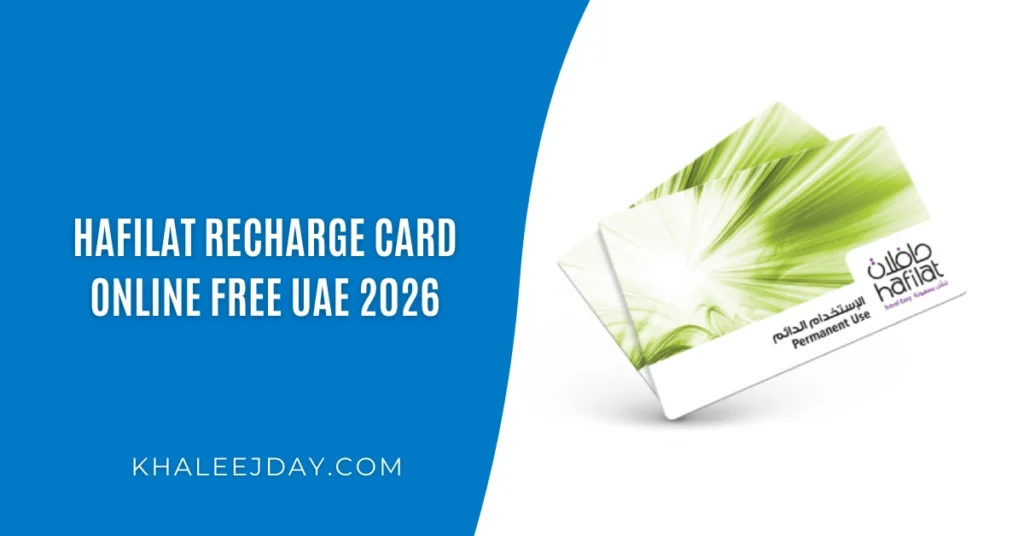
If you live in or visit Abu Dhabi, the Hafilat card is your best friend for getting around. It is a smart prepaid transit card used to pay bus fares across Abu Dhabi’s public transport network. But to keep riding without any interruptions, you need to recharge Hafilat card on time.
Whether you are a daily commuter, a student, or a tourist, this guide covers every method to recharge your Hafilat card — online, offline, via apps, and at physical locations across the UAE.
What Is the Hafilat Card?
The Hafilat card is a contactless smart card issued by the Integrated Transport Centre (ITC) under Abu Dhabi’s Department of Municipalities and Transport. It works like a prepaid wallet — you load money onto the card and tap it when boarding a public bus.
The card eliminates the need for paper tickets and makes daily commuting faster, cheaper, and more efficient. It is widely used by residents, blue-collar workers, students, and tourists who rely on Abu Dhabi’s bus network.
Key Facts About Hafilat Card:
- Works on all public buses in Abu Dhabi Emirate
- Tap-and-go system — no need to carry cash
- Available in standard and student versions
- Minimum recharge amount: AED 10
- Managed under the DARB platform by ITC
Why Regular Hafilat Recharge Matters?
Running out of balance mid-journey is frustrating. The Hafilat recharge system works on a prepaid model, meaning the bus reader will reject your card if the balance is insufficient. Keeping your card topped up ensures seamless, uninterrupted travel every day.
Thankfully, the Department of Transport Abu Dhabi offers multiple convenient channels for Hafilat card recharge — both online and offline — so you are never stuck without credit.
All Methods to Recharge Hafilat Card
Below is a full breakdown of every available method to top up your Hafilat card in the UAE.
Hafilat Online Recharge via DARB Website
The official and most popular online recharge method is through the DARB portal at
hafilat.darb.ae
.
Step-by-step process:
- Visit the official website: hafilat.darb.ae/Identification.aspx
- Click on “Recharge Card” on the homepage
- Enter your 15-digit card serial number (printed on the back of your card)
- Select the recharge amount
- Click “Add to Basket“
- Enter your credit or debit card details to complete payment
- You will receive a confirmation via SMS or email
⚠️ Important: Online recharges via DARB website reflect on your card after approximately 2 hours. Tap your card on a bus validator to activate the credit.
Hafilat Recharge By DARB Mobile App
The DARB app is one of the easiest ways to manage your Hafilat card from your smartphone.
- Download the DARB app from Google Play or App Store
- Log in or register your account
- Link your Hafilat card using its serial number
- Select “Top Up” and choose an amount
- Pay via saved card or mobile payment
- A single tap on a bus validator activates the newly added credit
The app also lets you check your balance, view transaction history, set low-balance alerts, and label multiple cards.
Hafilat Recharge Online Via Payit App (UAE Exchange Digital Wallet)
Another popular digital method is through the Payit mobile app — a UAE-based digital wallet.
- Open the Payit app
- Navigate to “UAE Bills & Recharge“
- Select “Hafilat” as the service
- Enter your card number and choose the amount
- Confirm payment through the app
This is ideal for people who already use Payit for other utility payments and want to manage everything in one place.
Hafilat Card Recharge By Ticket Vending Machines (TVMs)
Ticket Vending Machines (TVMs) are self-service kiosks placed at bus stations and bus stops across Abu Dhabi. These are the fastest offline method as the balance reflects immediately after recharge.
How to use a TVM:
- Insert your Hafilat card into the machine
- Select “Recharge Card” option
- Choose your desired top-up amount
- Pay by cash or bank card
- Collect your receipt — balance is updated instantly
Where to find TVMs:
| Location | Examples |
| Bus Stations | Al Shahama, Mussafah, Al Ain terminals |
| Shopping Malls | Abu Dhabi Mall, Dalma Mall, Al Wahda Mall |
| Hospitals | Major public hospitals in Abu Dhabi |
| Airport | Abu Dhabi International Airport terminals |
| Government Centers | Service centers across Abu Dhabi |
Hafilat Recharge Online Through MBME Recharge Machines
MBME machines are multi-service kiosks located in commercial buildings, supermarkets, and residential areas across Abu Dhabi.
- Simply walk to any nearby MBME machine
- Insert your Hafilat card
- Select the recharge option and pay
⚠️ Note: Balance from MBME machines reflects after 2 hours, not immediately.
Hafilat Top Up Via Customer Happiness Centres
You can visit any Customer Happiness Centre located at major bus stations. Staff members will assist you with:
- Hafilat card recharge
- Balance inquiry
- Card registration or replacement
Balance updates here are immediate. This is also the best option for first-time users who are unfamiliar with machines or apps.
Hafilat Card Recharge Via Authorized Retail Outlets
Abu Dhabi’s Department of Transport has partnered with a wide network of retail stores, supermarkets, and money exchange centers to serve as Hafilat top-up points.
These include:
- LuLu Hypermarkets across Abu Dhabi
- Al Ain Co-op Society Supermarkets
- Al Dhafra Co-op Society Supermarkets
- Licensed exchange and convenience stores (look for the Hafilat/DoT sticker on the window)
Simply hand over your card and cash to the cashier — they will top it up using their terminal and give you a receipt.
Hafilat Recharge Methods at a Glance
| Method | Balance Reflects | Payment Type | Best For |
| DARB Website | ~2 hours | Debit/Credit Card | Home recharge |
| DARB Mobile App | ~2 hours | Mobile payment | On-the-go users |
| Payit App | ~2 hours | Digital wallet | Multi-service users |
| Ticket Vending Machine (TVM) | Immediately | Cash or card | Quick top-up |
| MBME Machine | ~2 hours | Cash | Mall visitors |
| Customer Happiness Centre | Immediately | Cash or card | Assisted service |
| Authorized Retailers | Immediately | Cash | Grocery shoppers |
How to Check Your Hafilat Card Balance?
Keeping an eye on your remaining balance is just as important as recharging. Here are the main ways to check:
- DARB App: View balance, alerts, and transaction history in real time
- DARB Website: Enter your card number to see the current balance
- Bus Validator: When you tap to board, some readers display remaining balance
- TVM Kiosk: Insert your card and select the balance inquiry option
- Customer Happiness Centre: Staff can check it for you instantly
- ATMs of Partner Banks: Some Abu Dhabi bank ATMs support Hafilat balance inquiry
Tips for Hassle-Free Hafilat Recharge
- Always keep a minimum of AED 20 on your card to avoid getting stuck
- If you recharged online, tap your card at a validator before boarding to sync the balance
- Save the DARB app on your phone for emergency top-ups
- If your balance isn’t updating, wait 2 hours and tap the card again on a machine
- Keep your card serial number saved somewhere safe — you need it for online recharges
Frequently Asked Questions (FAQs)
Q1: How do I recharge my Hafilat card online?
Visit hafilat.darb.ae, click on “Recharge Card,” enter your 15-digit card number, select the amount, and complete payment with your debit or credit card. The balance will reflect within 2 hours.
Q2: How long does the online Hafilat recharge take?
Online recharges via the DARB website, DARB app, and MBME machines take approximately 2 hours to reflect. Recharges at TVMs and Customer Happiness Centres reflect immediately.
Q3: What is the minimum Hafilat recharge amount?
The minimum recharge amount is AED 10, though it is advisable to check the specific machine or app menu for confirmation.
Q4: Can I recharge Hafilat card at LuLu Hypermarket?
Yes, LuLu Hypermarkets in Abu Dhabi are authorized Hafilat card recharge and purchase points.
Q5: What happens if I recharge but the balance doesn’t update?
Wait for 2 hours if you used an online method. Then tap your card on a bus validator or TVM to sync the balance. If the issue persists, contact the ITC customer service helpline.
Q6: Can tourists recharge a Hafilat card in Abu Dhabi?
Yes, tourists can buy and recharge Hafilat cards at bus stations, LuLu Hypermarkets, and TVMs across Abu Dhabi without needing a UAE ID.
Q7: Is there a Hafilat recharge app?
Yes, the DARB app (by ITC Abu Dhabi) is the official app for Hafilat card management, including recharge and balance check. The Payit app is also a popular third-party option.
Final Thoughts
The Hafilat card is one of the smartest and most affordable ways to travel across Abu Dhabi’s public bus network. Whether you prefer the convenience of a mobile app, the speed of a vending machine, or the simplicity of walking into a supermarket, there is a Hafilat recharge method that fits your lifestyle perfectly.
With options like the DARB website, DARB mobile app, Payit wallet, Ticket Vending Machines, MBME kiosks, Customer Happiness Centres, and authorized retail outlets like LuLu Hypermarket, topping up your card has never been easier or more flexible.