How to Check Online Balance Inquiry for FAB Bank – Complete Guide
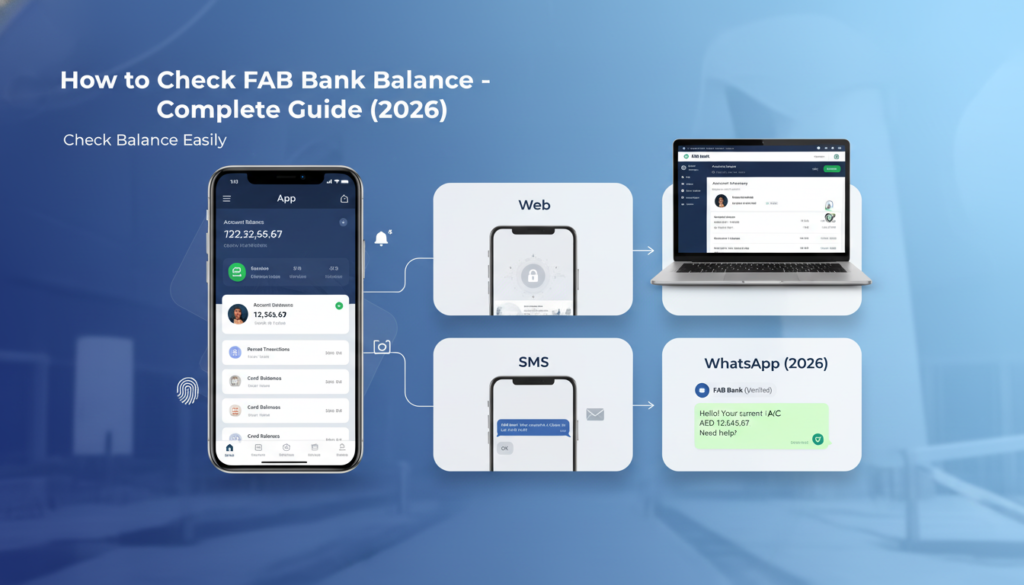
Four official methods exist to check a FAB bank balance online. The mobile app shows the balance instantly on the dashboard. Online banking displays all account balances after login. SMS banking requires sending BAL to 2828 for a reply within seconds. WhatsApp banking returns the balance immediately after typing the word Balance.
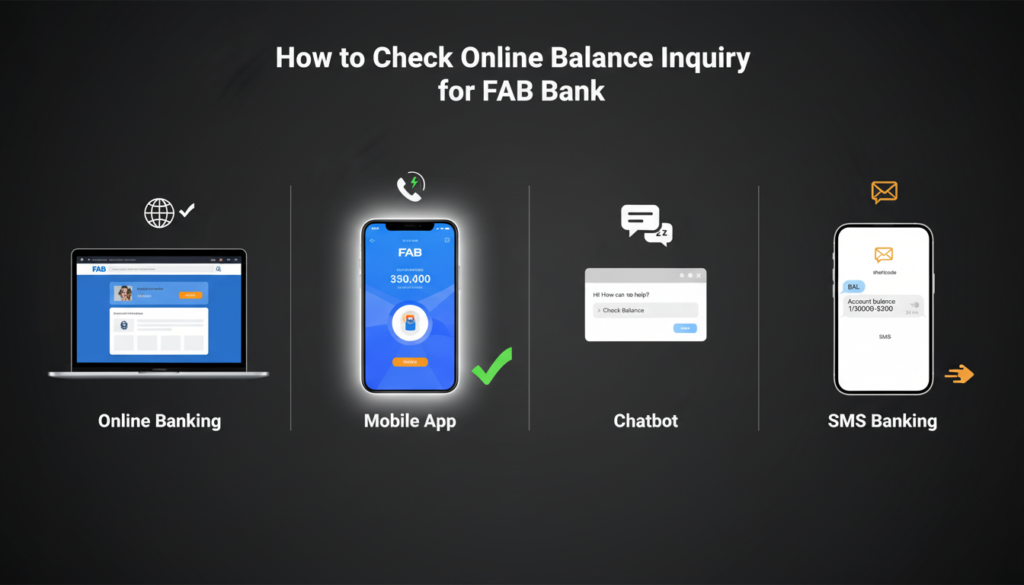
The mobile app is the fastest method at under 10 seconds. SMS works without any internet connection. WhatsApp offers a middle ground with no app download needed. Online banking is best for desktop users who need transaction history.
This guide covers every method for a fab bank balance check in 2026. No fluff. No outdated steps. Just clear instructions that work right now.
Method 1: FAB Mobile App (Fastest Method)
The FAB mobile app is the most recommended tool for balance inquiries. It shows real-time data across all accounts. It works on iOS and Android. Security features include fingerprint and face ID.
Download and Setup
Get the app from the Apple App Store or Google Play Store. Search for “First Abu Dhabi Bank.” Look for the official FAB logo.
Install and open the app. Register using online banking credentials. First-time users can register using the debit card number and PIN. Set up biometric login during setup. Fingerprint or face ID removes the need to type a password every time.
Steps to Check Balance
Open the app. The dashboard loads immediately. The primary account balance appears at the top. Tap the account to see available balance, current balance, and recent transactions.
Available balance is the amount ready to spend right now. Current balance includes pending transactions that have not fully settled. Knowing both prevents overdrafts.
Credit card balances appear separately. Tap the credit card tab to see outstanding amount, due date, and minimum payment. Loan accounts and fixed deposits also show up. One login shows everything.
Quick Glance Feature
The app includes a home screen widget. No login required to see the balance. Enable this in app settings. The widget shows only the balance amount. No transaction history. No sensitive data.
Push notifications also help. Turn on balance update alerts. After any purchase or salary deposit, the app sends a notification with the new balance.
Method 2: FAB Online Banking (Desktop/Laptop)
Sometimes a phone is not the right tool. Printing a statement or reviewing three months of transactions works better on a larger screen.
Login Process
Open a web browser. Go to the official FAB website. Click the Personal Banking login button. Do not use third-party websites.
Enter the username and password. Complete two-factor authentication. FAB sends a one-time password to the registered mobile number. Enter that code on the screen.
Viewing Account Balances
After login, the account summary page loads. All linked accounts appear with current balances. Click any account to see detailed transaction history.
The summary page also shows credit card balances and loan outstanding amounts. Everything appears in one place.
Downloading Balance Records
Need a record of the balance on a specific date? Use the download feature. Select the account. Choose a date range. Click export to PDF or Excel.
This feature helps with visa applications, tenancy contracts, or loan pre-approvals.
Method 3: SMS Balance Inquiry (No Internet Needed)
The Internet is not always available. A phone might have no data plan. A customer might be in an area with poor signal. SMS banking solves this problem.
Activation Requirements
SMS banking is not automatic. The mobile number must be registered with FAB. This usually happens when opening the account.
If SMS banking is not working, the number may not be registered. Visit any FAB branch or call customer service to add the number.
The SMS Command
Open the phone’s messaging app. Type the keyword. The standard keyword for FAB is BAL. Some customers use BALANCE. Check the welcome SMS from FAB to confirm.
Send the message to the FAB shortcode. For most customers, the number is 2828. Double-check this on the official FAB website.
Within 5 to 10 seconds, an automated reply arrives. The message shows the available balance for the primary account.
Important Notes
FAB charges no fee for SMS balance inquiries. Mobile carriers may charge standard SMS rates.
The response shows only the primary account. To check a different account, the SMS command may need an account nickname. Set this up through customer service.
Method 4: WhatsApp Banking (2026 Update)
WhatsApp has become a major banking channel in the UAE. By 2026, FAB’s WhatsApp service handles balance checks, mini-statements, and even some fund transfers.
Setup Process
Save the official FAB WhatsApp number to phone contacts. Find this number on the FAB website or mobile app. Do not trust third-party sources.
Open WhatsApp. Send Hi or Start. The automated system responds with a welcome message. Authentication happens next. The system asks for the registered mobile number.
After entering the number, FAB sends a one-time password via SMS. Enter that OTP in the WhatsApp chat. This step happens only once.
Checking Balance on WhatsApp
After authentication, type Balance in the chat. Or tap the Balance button in the menu. The system replies instantly. The message shows the current available balance. Some versions also show the last three transactions.
To check a different account, type the account nickname. For example, “Balance Savings.”
Why Customers Use This Method
No app download required. Most smartphones already have WhatsApp. Works on any internet connection. End-to-end encryption adds security.
Troubleshooting: Why a Balance Inquiry May Fail
App Shows No Balance or Error
Refresh the app by pulling down on the screen. Log out and log back in. Check the internet connection.
SMS Not Working
Confirm the keyword. Try both BAL and BALANCE. Confirm the shortcode. Call FAB customer service. Check prepaid credit balance. Verify SMS banking is activated.
WhatsApp Not Responding
Send Start again to reset the session. Check internet connection. Verify the number on the FAB website.
Forgotten Login Credentials
Open the FAB app or website. Click Forgot Password. Enter the username or registered mobile number. FAB sends a reset link via SMS or email. Follow the link to create a new password.
Security Tips for Online Balance Inquiries
Never share a one-time password. FAB will never ask for an OTP. Not by call. Not by SMS. Not by email. Anyone asking is a scammer.
Use only official FAB channels. The real app, the real website, the real WhatsApp number.
Enable biometric login. Fingerprint or face ID is harder to steal than a password.
Log out on shared devices. Do not save login information on public computers.
Review transaction history weekly. Balance alone does not show fraud.
Keep contact details updated with the bank.
Frequently Asked Questions
Q1: What is the SMS number for FAB balance inquiry?
Send BAL to 2828. A reply with the available balance arrives within 5 to 10 seconds. If BAL does not work, try BALANCE.
Q2: Does FAB charge for online balance inquiry?
No. All methods are free. Mobile carriers may charge standard SMS rates for prepaid plans. Postpaid plans with free SMS incur no cost.
Q3: How to check FAB balance without internet?
Use SMS banking. Send BAL to 2828. No Wi-Fi or mobile data required. Works on any mobile phone.
Q4: What is the fastest way to check a FAB balance?
The mobile app widget or WhatsApp banking. Both return the balance in under 10 seconds without logging in.
Q5: Can a joint account holder check the balance alone?
Yes. Each joint account holder receives separate login credentials. Each person can check the balance independently.
Q6: Does checking balance affect the credit score?
No. Balance inquiries are soft checks. They never appear on credit reports from Al Etihad Credit Bureau.
Q7: Why does available balance differ from current balance?
Available balance includes pending transactions that are authorized but not fully settled. Current balance does not. Available balance is always equal to or less than current balance.
Final Thoughts
Checking a FAB bank balance in 2026 is not complicated. The mobile app works best for most people. SMS works when internet is unavailable. WhatsApp offers a middle ground. Online banking handles desktop work.
Choose one method. Test it today. Make it a daily habit. A 10-second balance check prevents overdrafts, catches errors, and builds financial awareness.
For the most convenient way to stay on top of finances, use the official fab bank balance check tools provided by First Abu Dhabi Bank. No third parties. No shortcuts. Just fast, secure access to the account balance.